


Premium Hot Peel DTF Transfers by Size
Premium Hot Peel DTF Transfers by Size
1. Upload your artwork.
2. Size your artwork.
3. Add the quantity.
4. Then add to cart.
All transfers will now be printed with our new hot peel film, just press and peel.
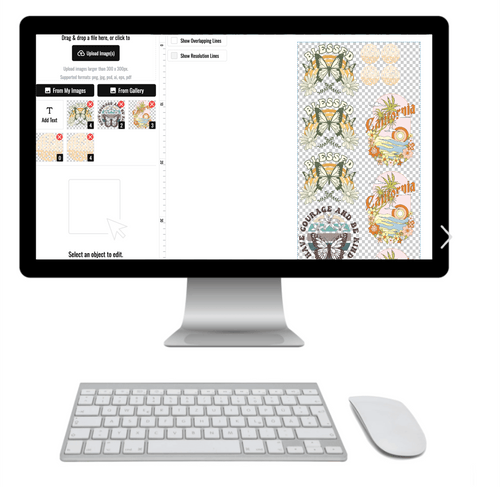
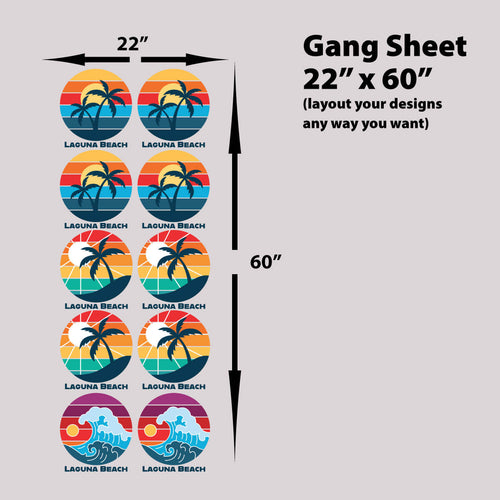
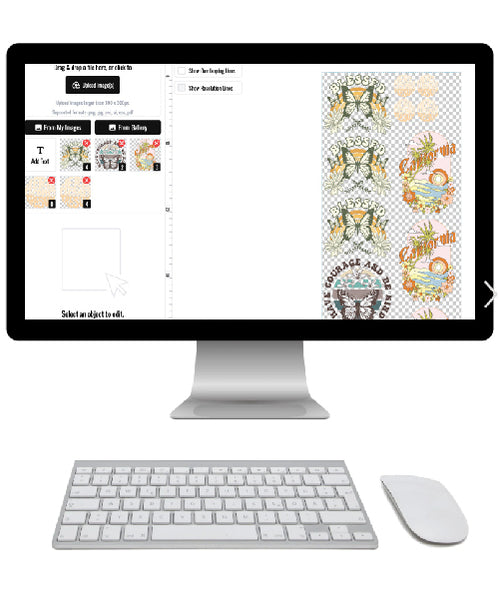
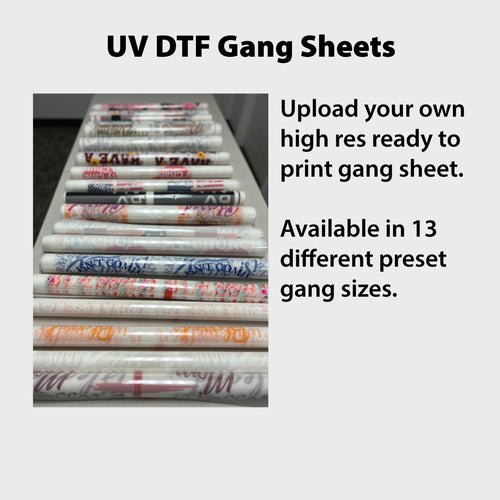
If you are ordering more than a few images, you should use our gang sheet builder (Click Here)
Need help? Don't hesitate to call or text 949-229-1164, 7 days a week.
*This product comes on a sheet, NOT cut. Artwork changes may have a fee, such as color changes, resolution issues, etc..
How to use with Heat Press
How to use with Heat Press
How To Press Your Design (DTF Transfer) On Your Apparel
NOTE: Heat your Heat Press* at about:
- 240 degrees for 100% polyester
- 260 degrees for mix of cotton/polyester fabric
- 280 degrees for 100% cotton and similar fabrics
- *Temperatures will vary with every Heat Press
1. Pre-press for 5 seconds your blank apparel on the side
you will place your design, to remove moisture & wrinkles.
2. Place your DTF Transfer on the apparel & cover with teflon or
parchment paper enough to cover your entire DTF Transfer.
3. Heat press with medium pressure for 10 seconds.
4. Peel the transfer instantly & discard. If desired, you can
completely wait for the transfer to cool, then peel.
5. Reuse the teflon or parchment paper and place on top
of your design and heat press again for 5-6 seconds.
How to use with Home Iron
How to use with Home Iron
Regular Iron - DTF Transfers Pressing Instructions:
Set your iron to the highest heat with NO steam.
1. Pre-iron your blank apparel on the side you will place
your design to remove moisture and wrinkles.
2. Place you DTF Transfer on the apparel. Now add teflon
or parchment paper enough to cover your entire DTF Transfer.
3. Use the iron by holding it in place with heavy pressing
pressure for 15 seconds for each part of the design until you
have ironed the entire design.
4. Wait for the transfer to completely cool down before
peeling it o.
5. Reuse the teflon or parchment paper and place on
top of your design and with some pressure, iron your design
as you would normally use your iron to give it one final press.


Lion DTF size guide
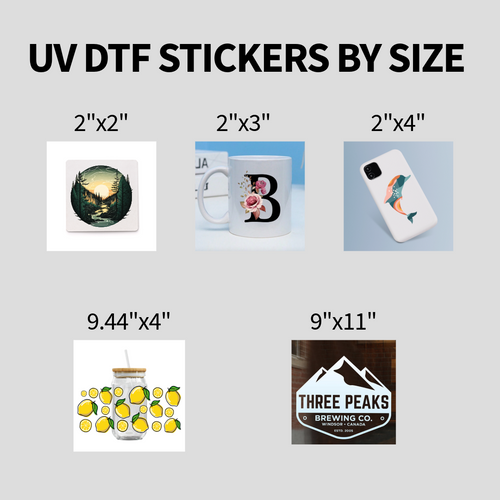
Find your recommended print size
Choose a garment size and print location to see the recommended width, maximum height and placement offset.
- Width
- in
- Max height
- in
- Down from collar
- in
Keep your artwork proportions. Use the width and maximum height as guides rather than stretching a design to fill both.
View all recommended sizes
All measurements are in inches. Scroll each table sideways on a small screen. Sleeve offsets are measured up from the sleeve hem.
The size lookup could not load. Please use the DTF sizing chart.
Starting points for standard fits based on industry averages. Confirm against the actual garment before a bulk run.