










Premium Hot Peel DTF Gang Sheet Builder
Premium Hot Peel DTF Gang Sheet Builder
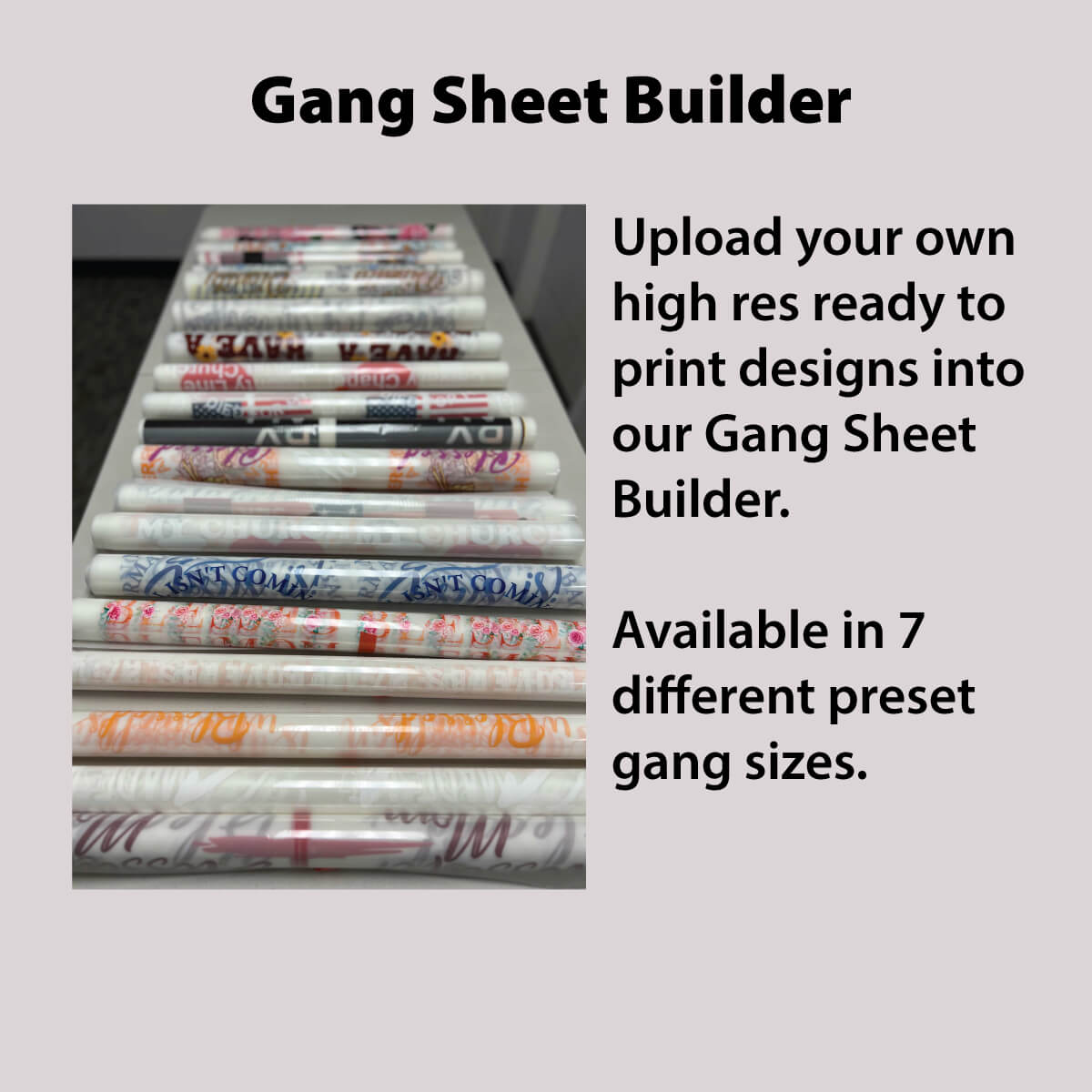
Build Your Custom DTF Gang Sheet in Minutes — No Size Guessing Required
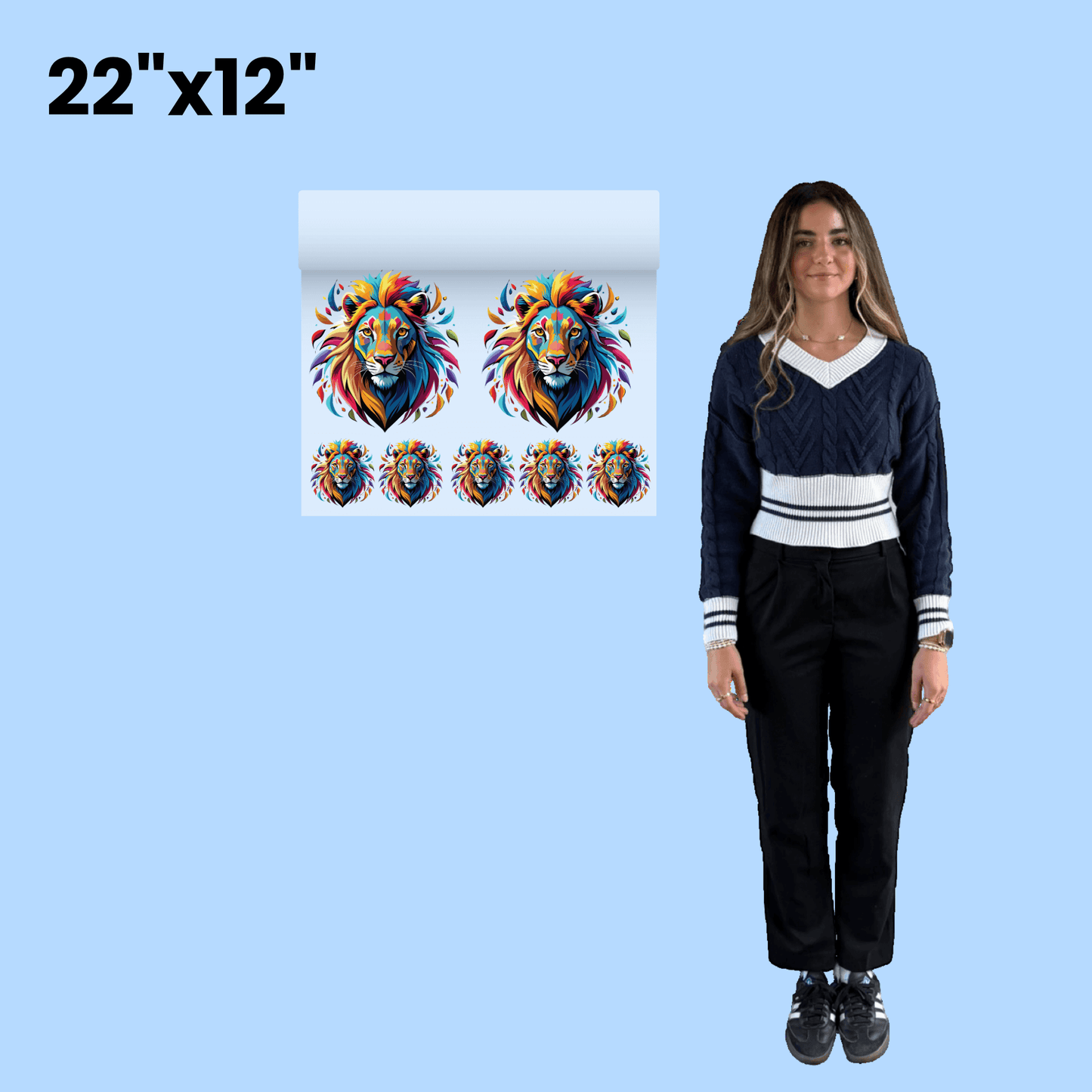
Stop overpaying for half-empty sheets. Our free DTF gang sheet builder automatically arranges all your designs onto one sheet so you get maximum print space for the lowest possible price — no design experience needed.
You don't even need to pick a size to start. Just hit the green button below and let our smart auto-builder do the math for you.
How it works:
- Click "Build Your Own Gang Sheet"
- Click "Auto-Build"
- Upload your images
- Set the size and quantity for each design
- Click "Apply" — done
In seconds, your designs are perfectly arranged for the most efficient, cost-effective print layout possible.
Questions before you order? Call or text our DTF specialists at 833-350-5466 — we're here 7 days a week.
Sheets print uncut. Artwork changes (color corrections, resolution fixes, etc.) may incur a small fee.
How to use with Heat Press
How to use with Heat Press
How To Press Your Design (DTF Transfer) On Your Apparel
NOTE: Heat your Heat Press* at about:
- 240 degrees for 100% polyester
- 260 degrees for mix of cotton/polyester fabric
- 280 degrees for 100% cotton and similar fabrics
- *Temperatures will vary with every Heat Press
1. Pre-press for 5 seconds your blank apparel on the side
you will place your design, to remove moisture & wrinkles.
2. Place your DTF Transfer on the apparel & cover with teflon or
parchment paper enough to cover your entire DTF Transfer.
3. Heat press with medium pressure for 10 seconds.
4. Peel the transfer instantly & discard. If desired, you can
completely wait for the transfer to cool, then peel.
5. Reuse the teflon or parchment paper and place on top
of your design and heat press again for 5-6 seconds.
How to use with Home Iron
How to use with Home Iron
Regular Iron - DTF Transfers Pressing Instructions:
Set your iron to the highest heat with NO steam.
1. Pre-iron your blank apparel on the side you will place
your design to remove moisture and wrinkles.
2. Place you DTF Transfer on the apparel. Now add teflon
or parchment paper enough to cover your entire DTF Transfer.
3. Use the iron by holding it in place with heavy pressing
pressure for 15 seconds for each part of the design until you
have ironed the entire design.
4. Wait for the transfer to completely cool down before
peeling it o.
5. Reuse the teflon or parchment paper and place on
top of your design and with some pressure, iron your design
as you would normally use your iron to give it one final press.

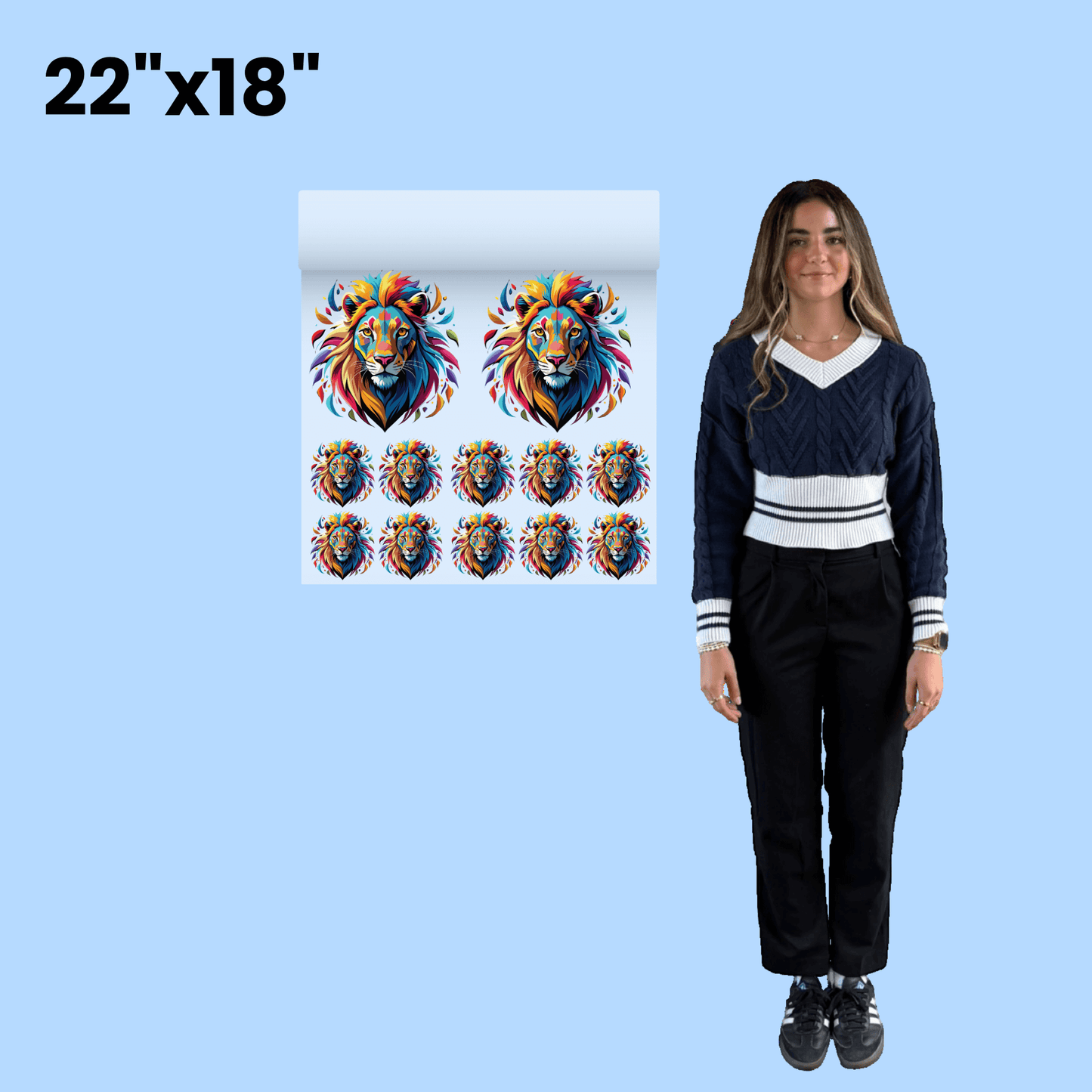
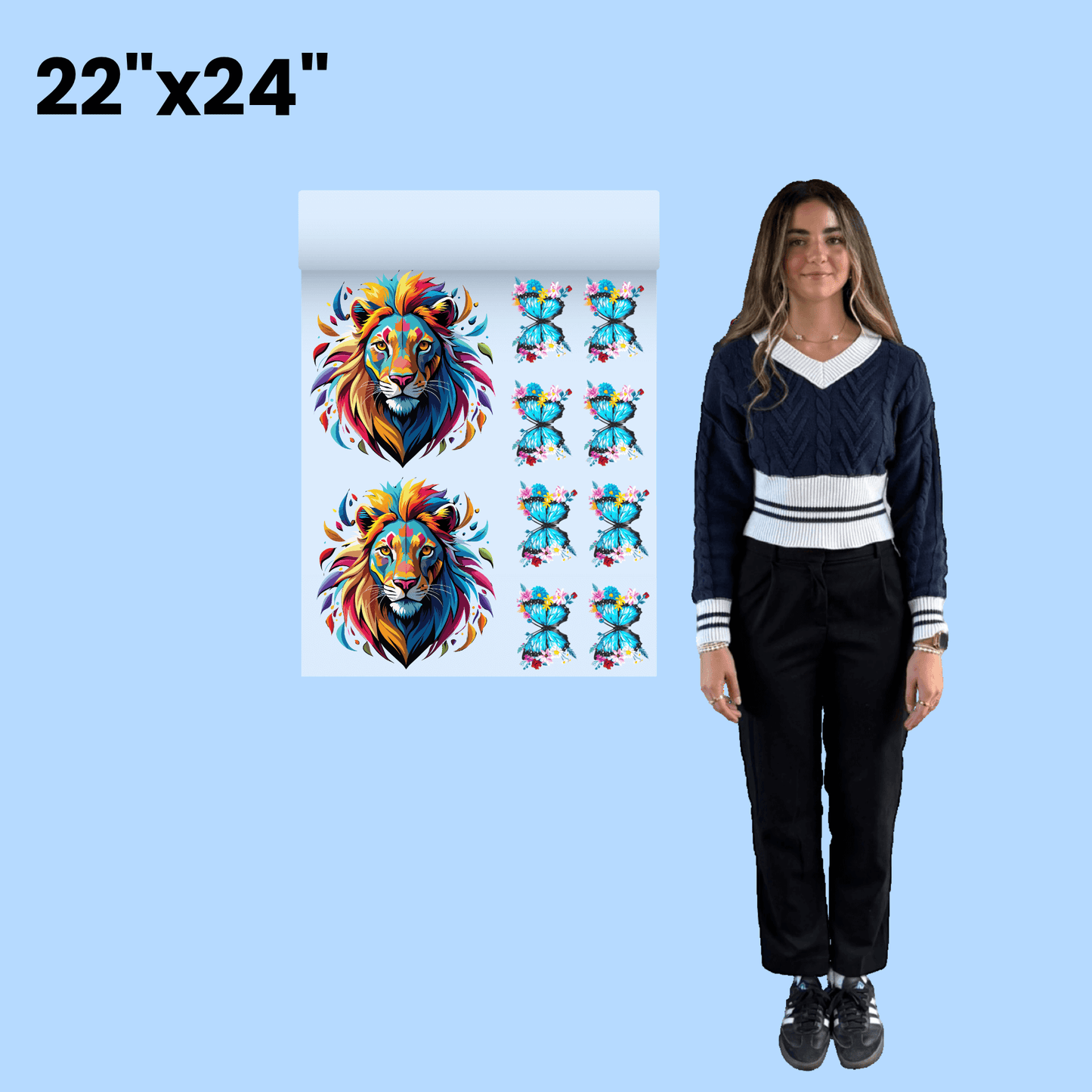
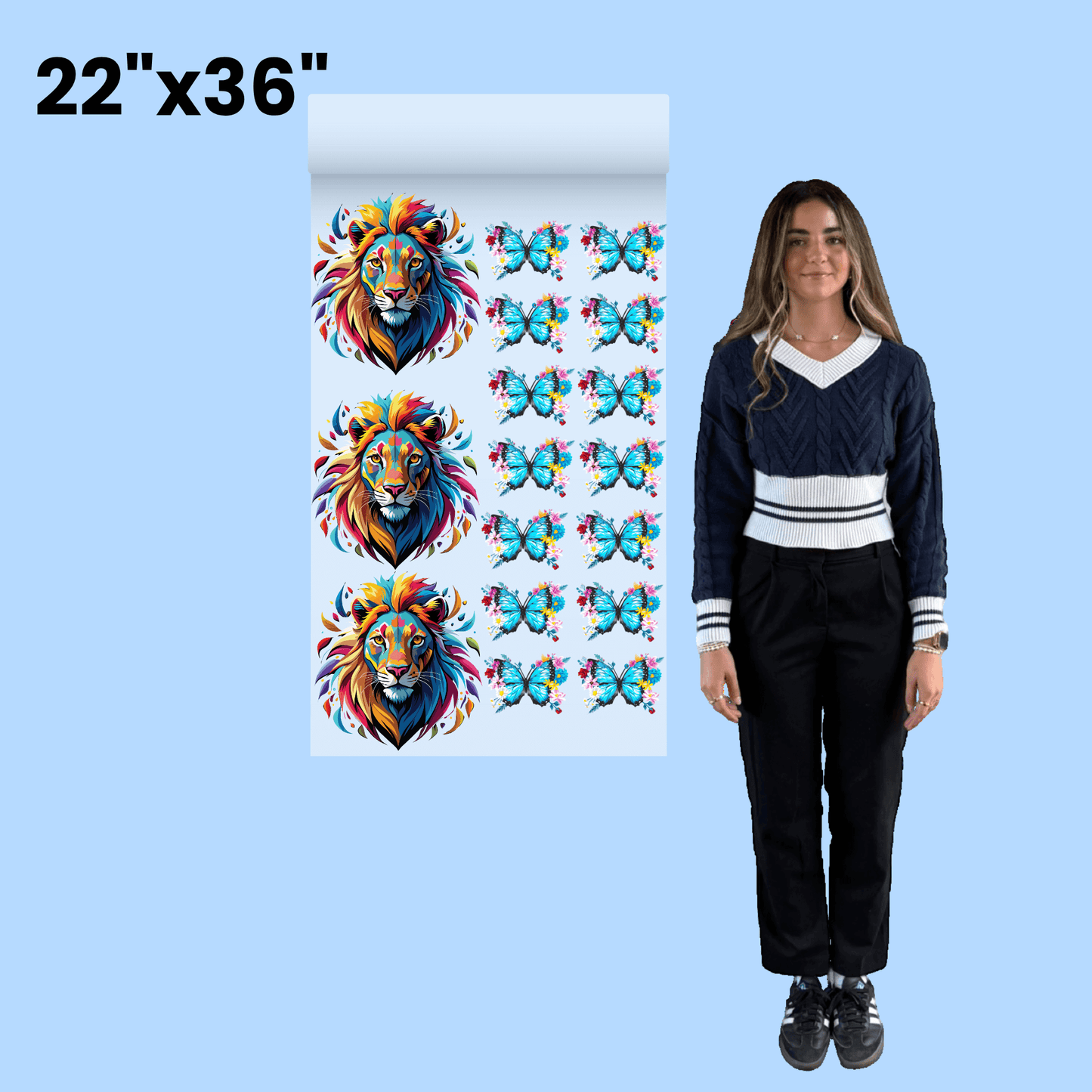
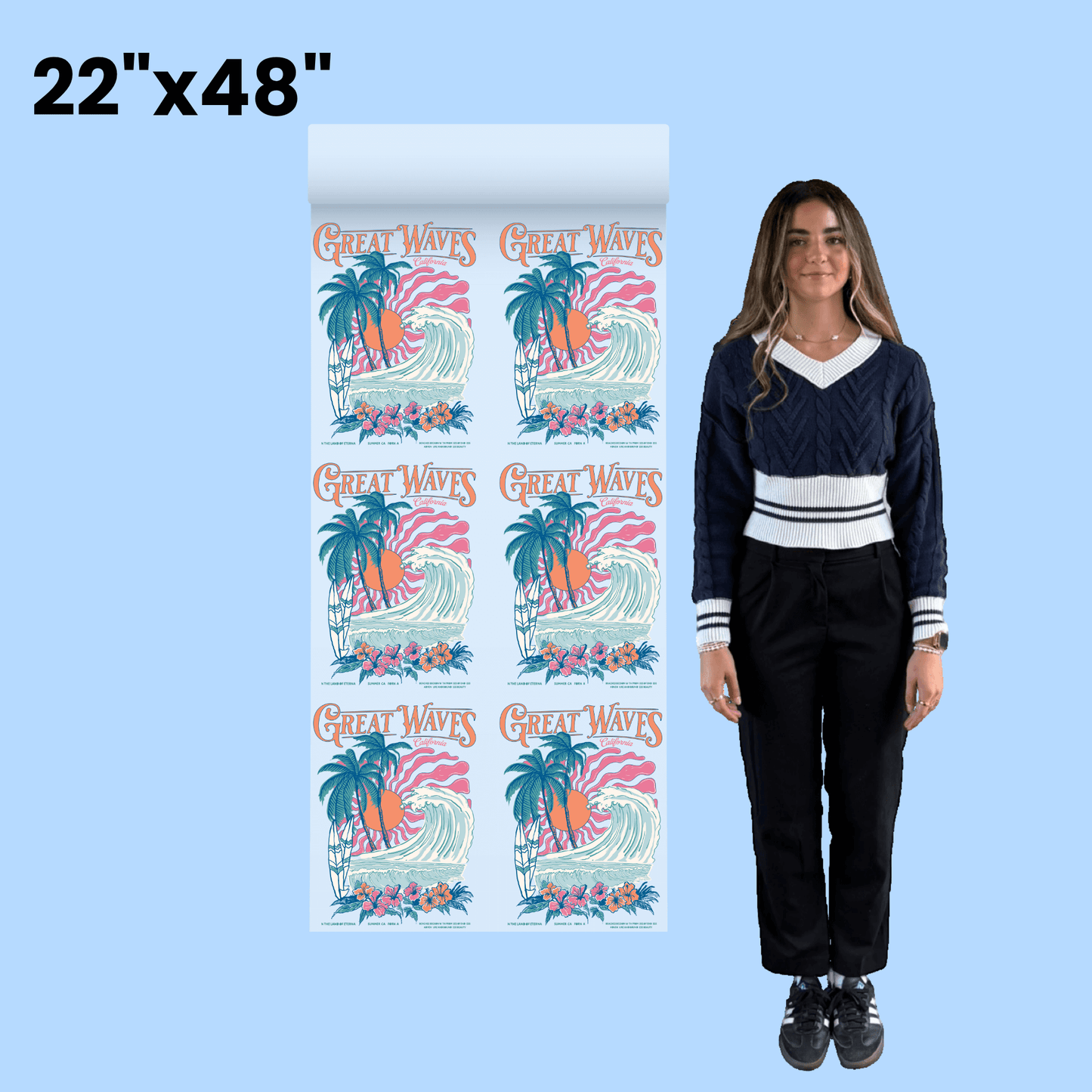
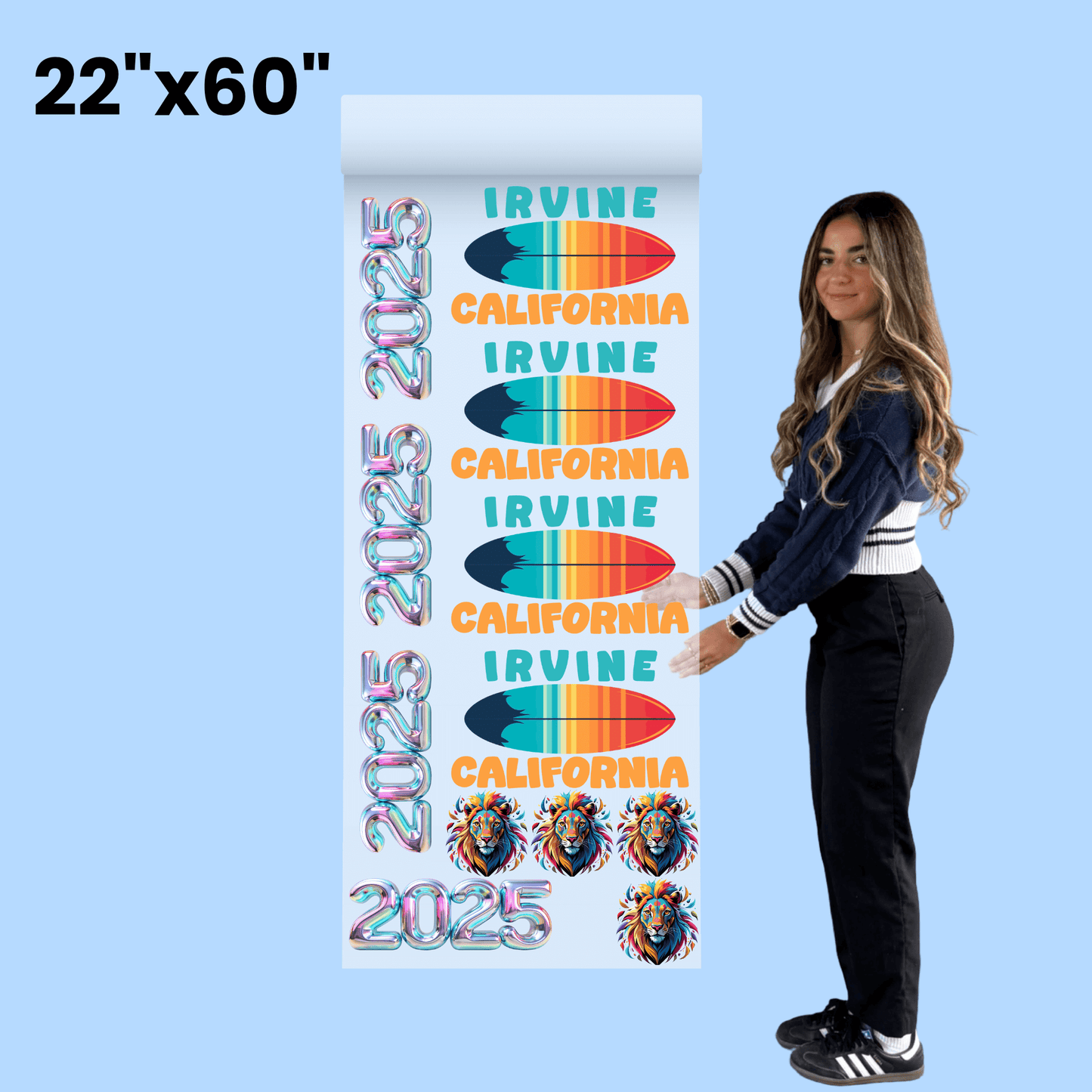
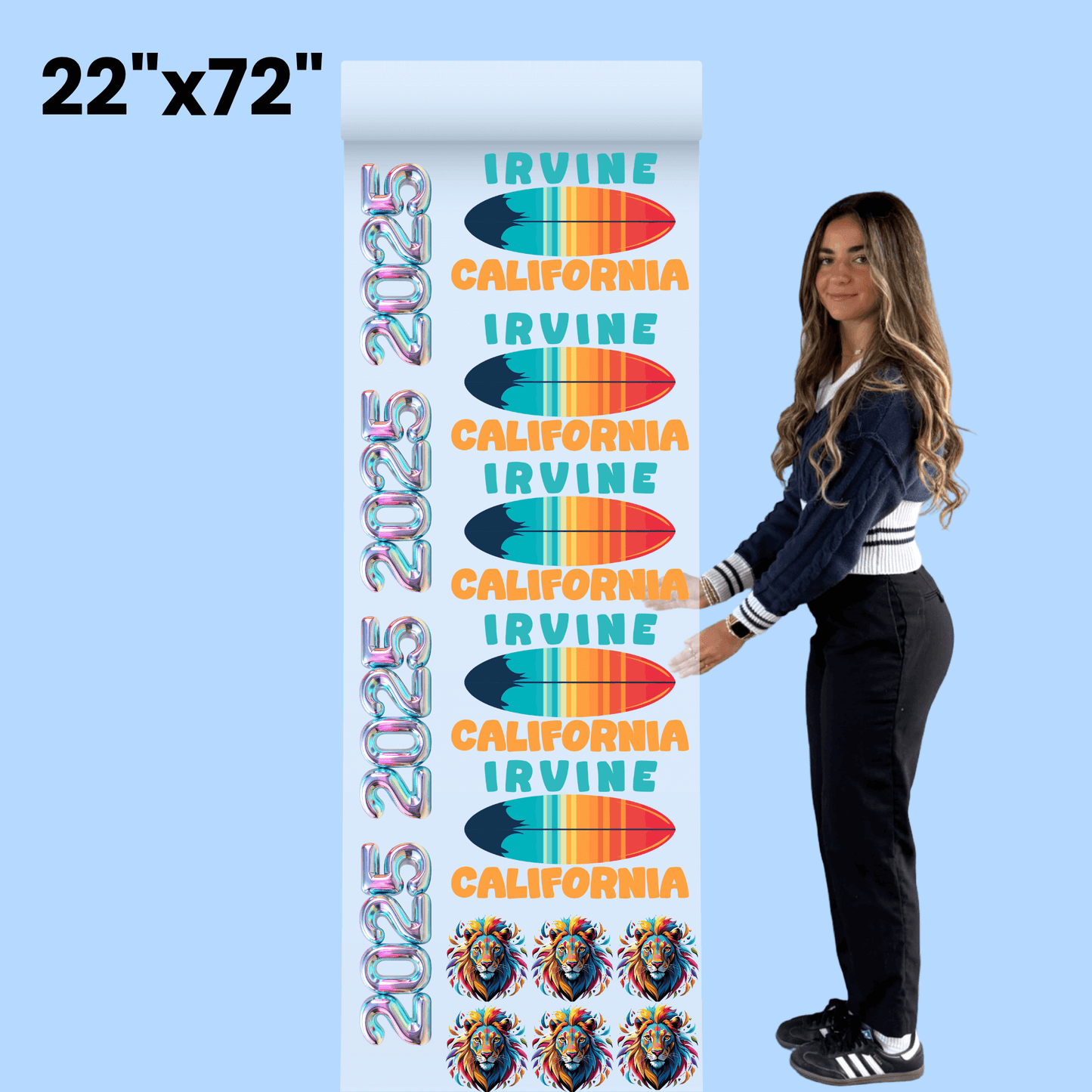
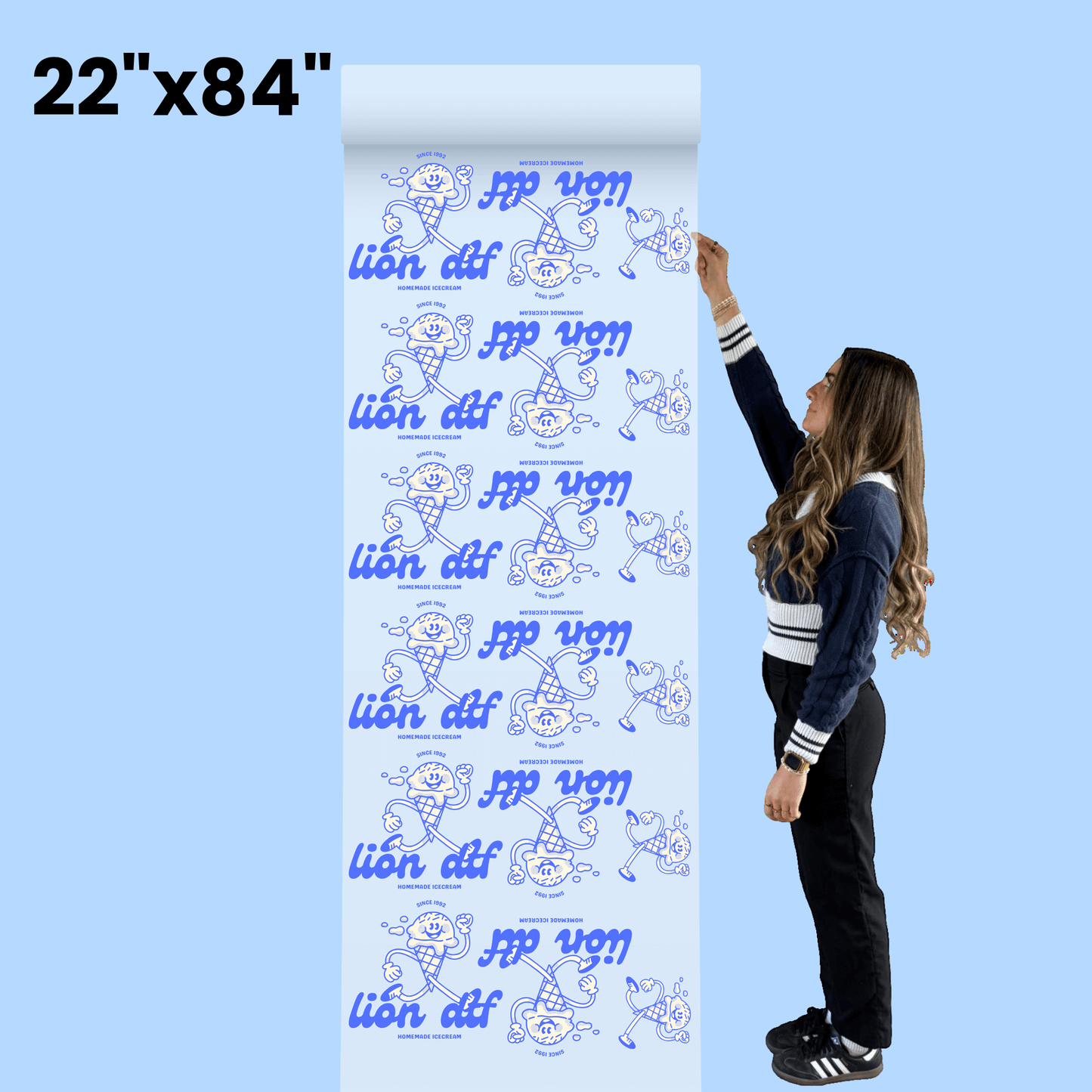
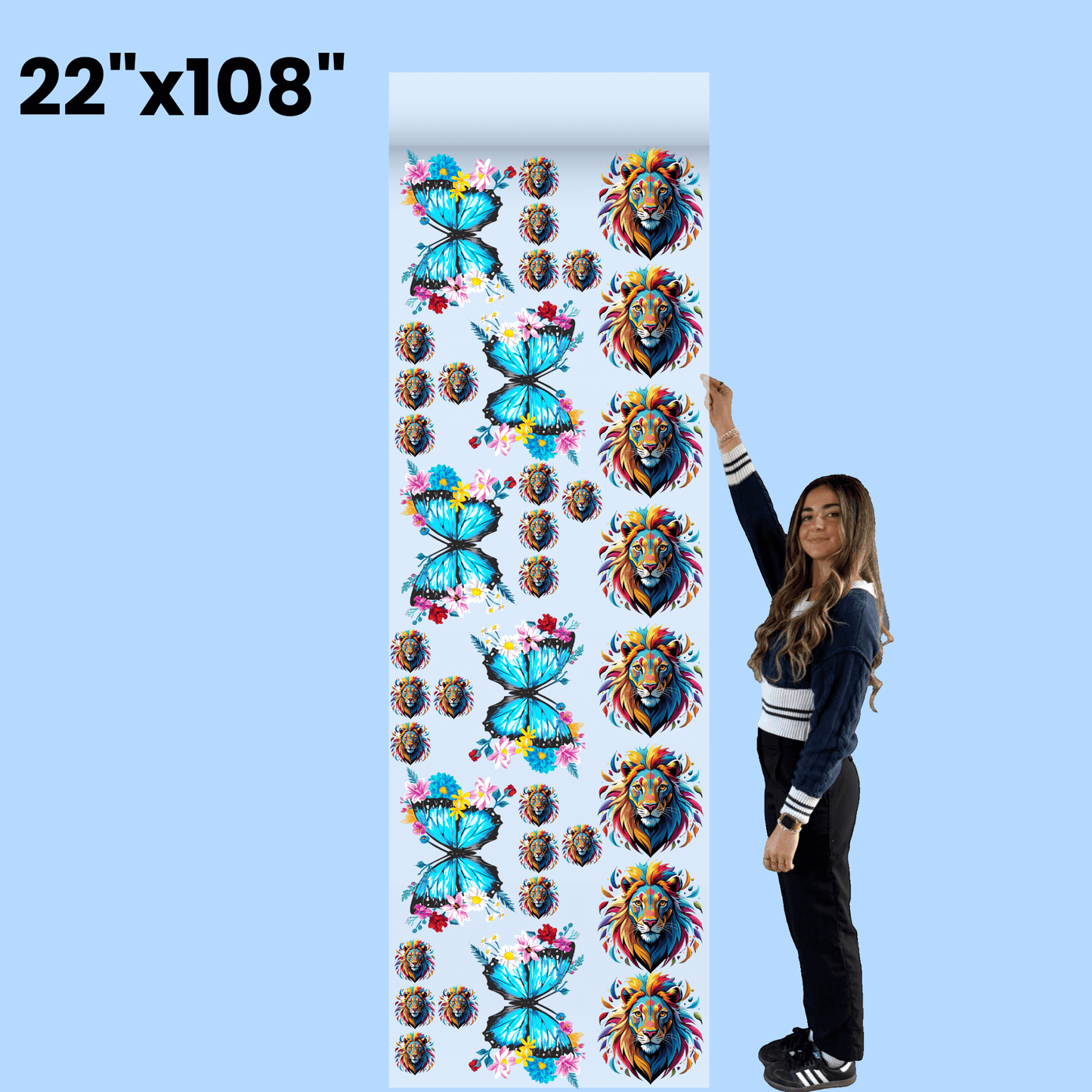
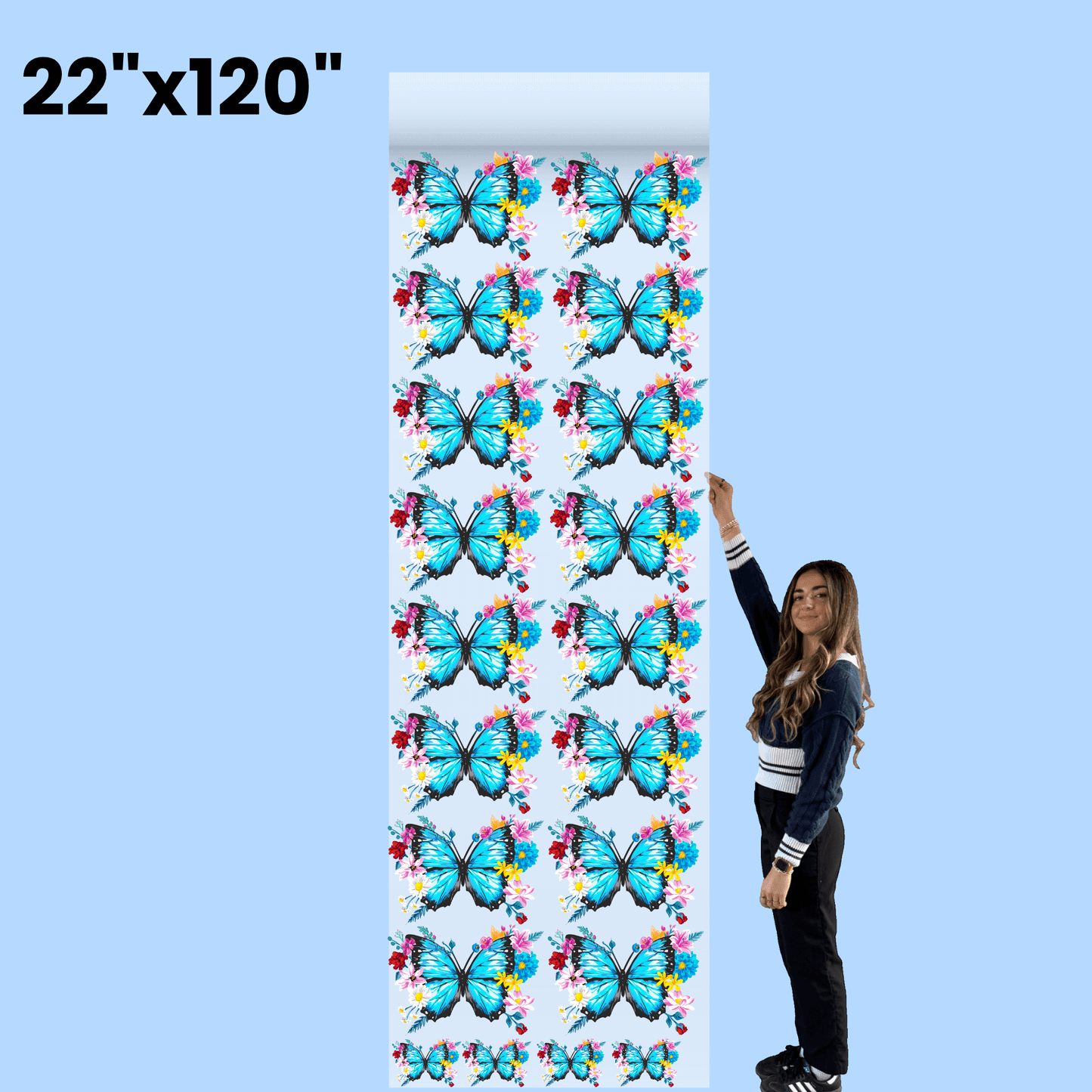
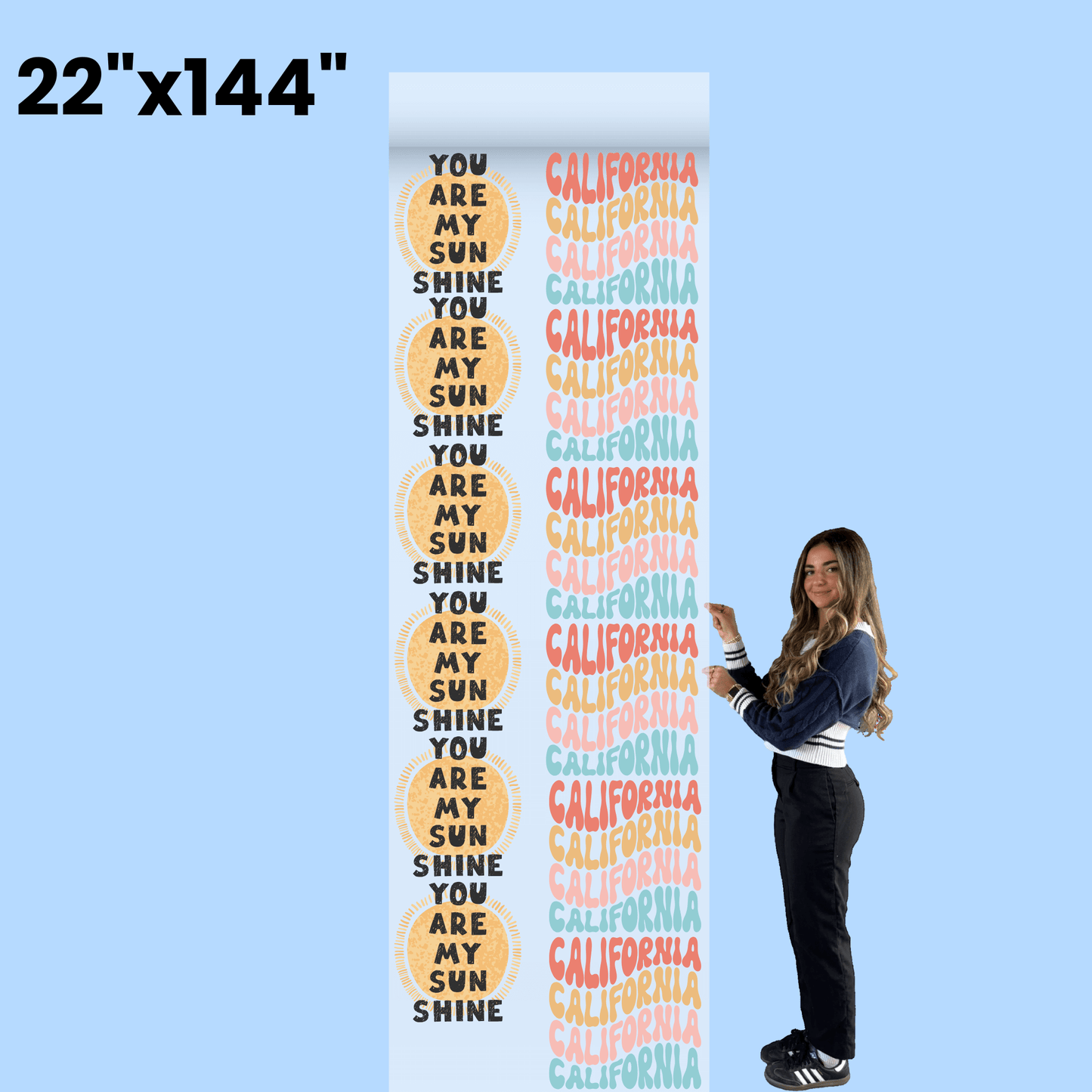
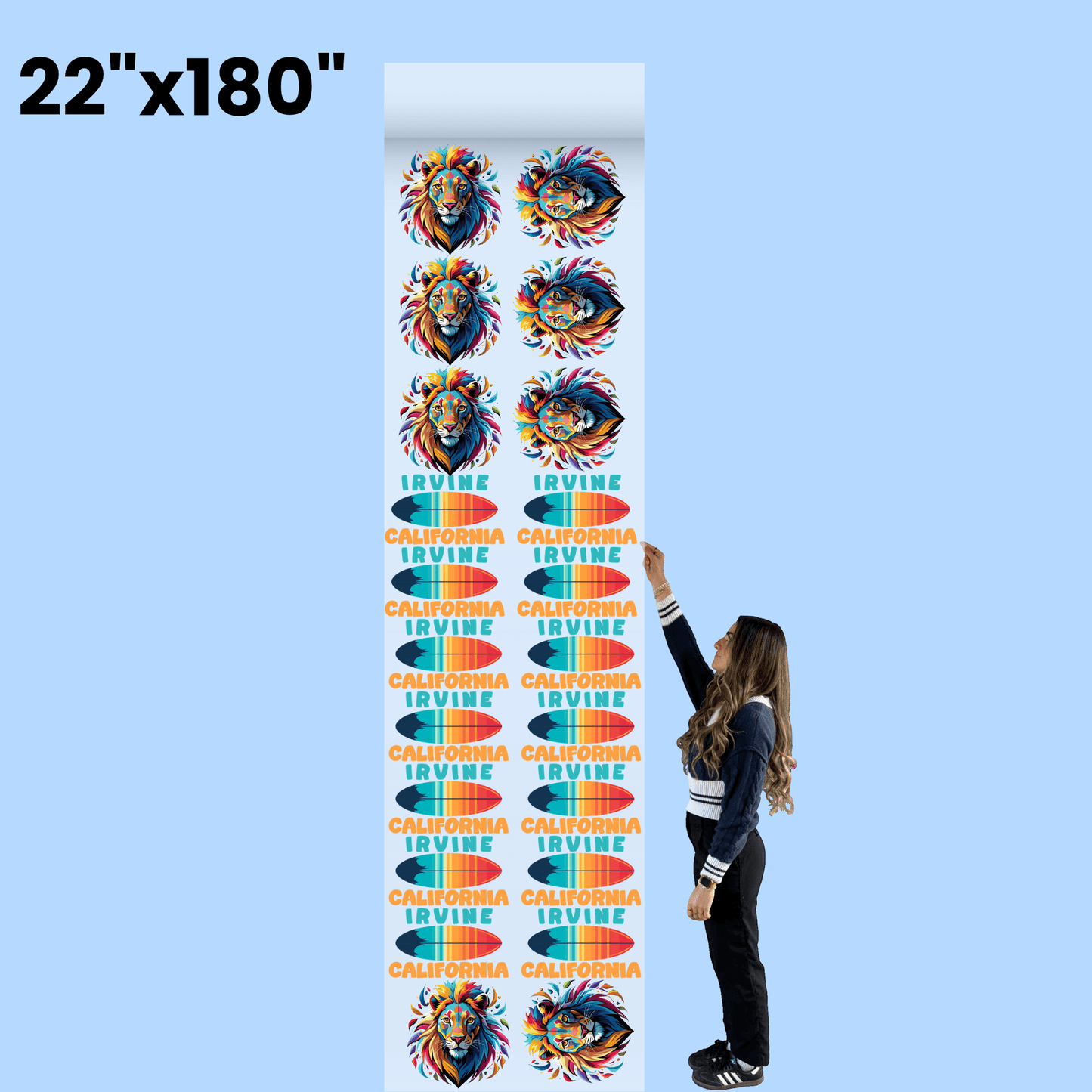
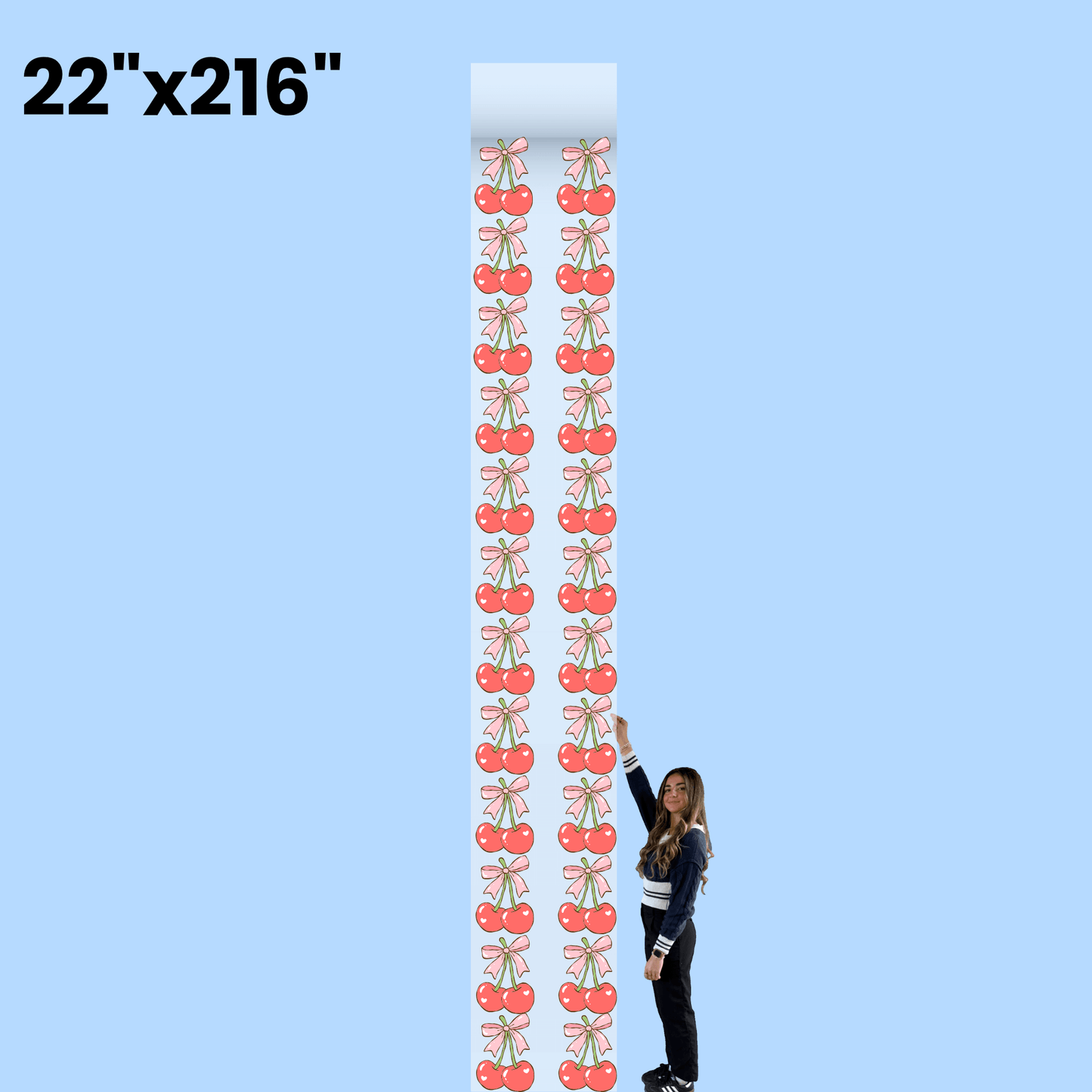
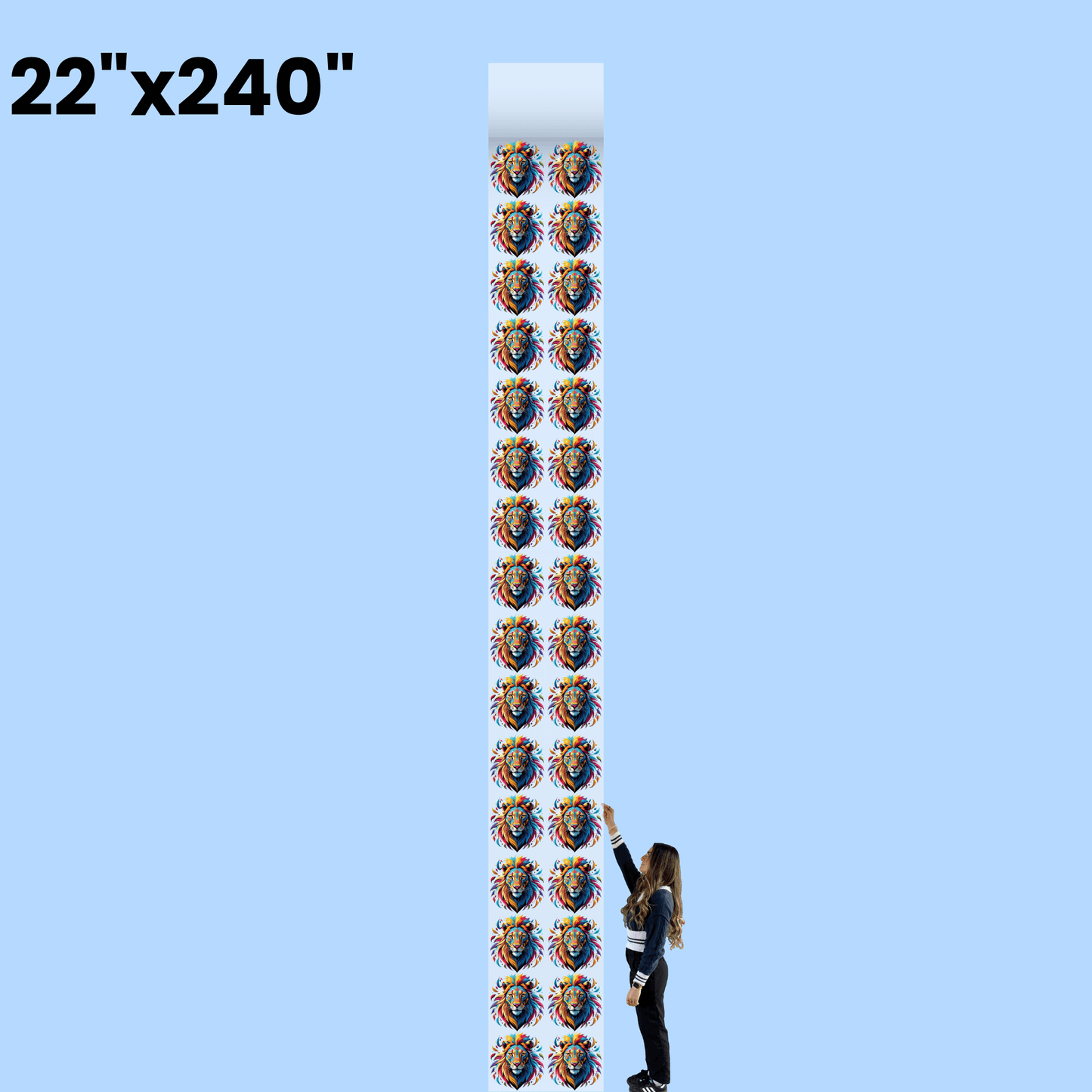
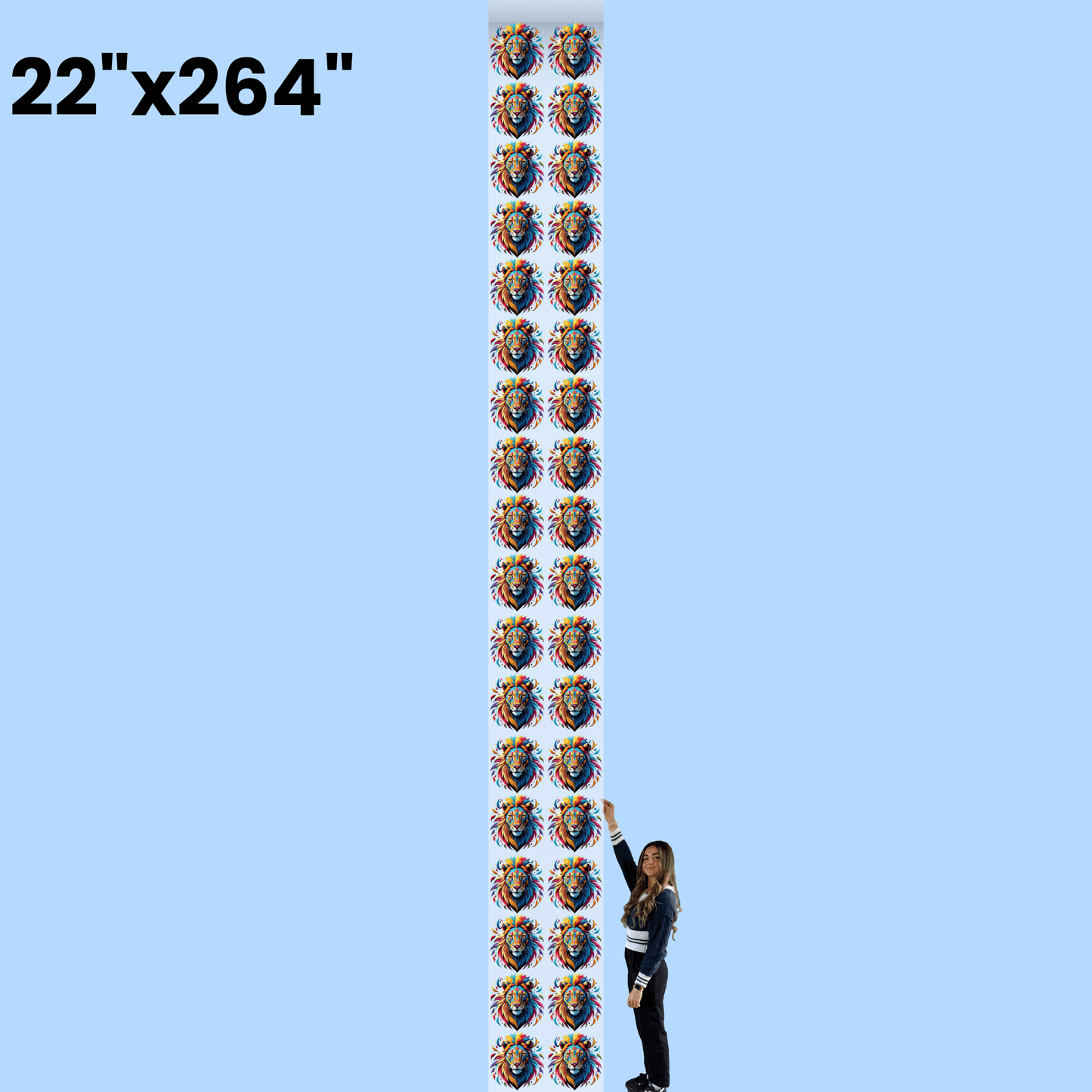
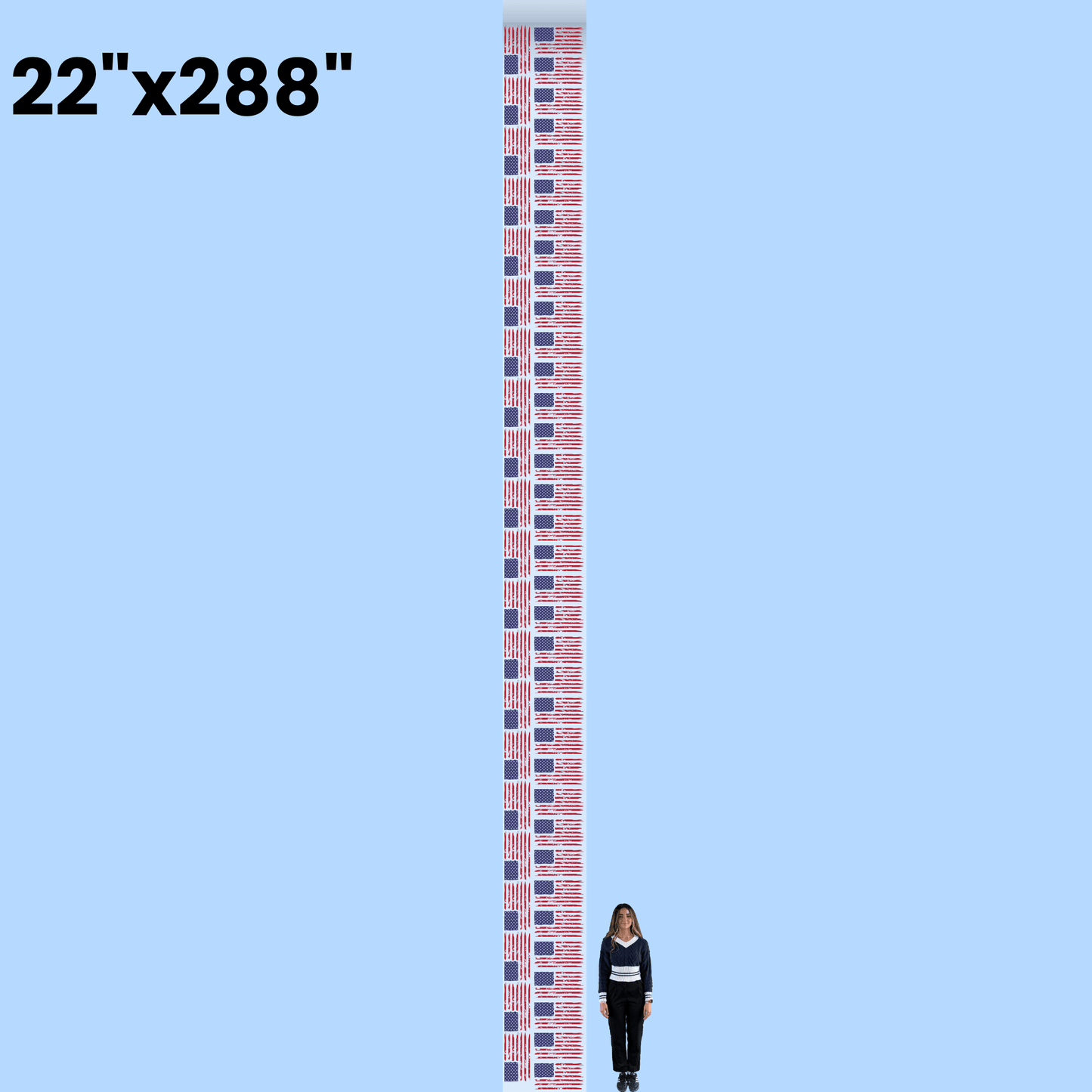
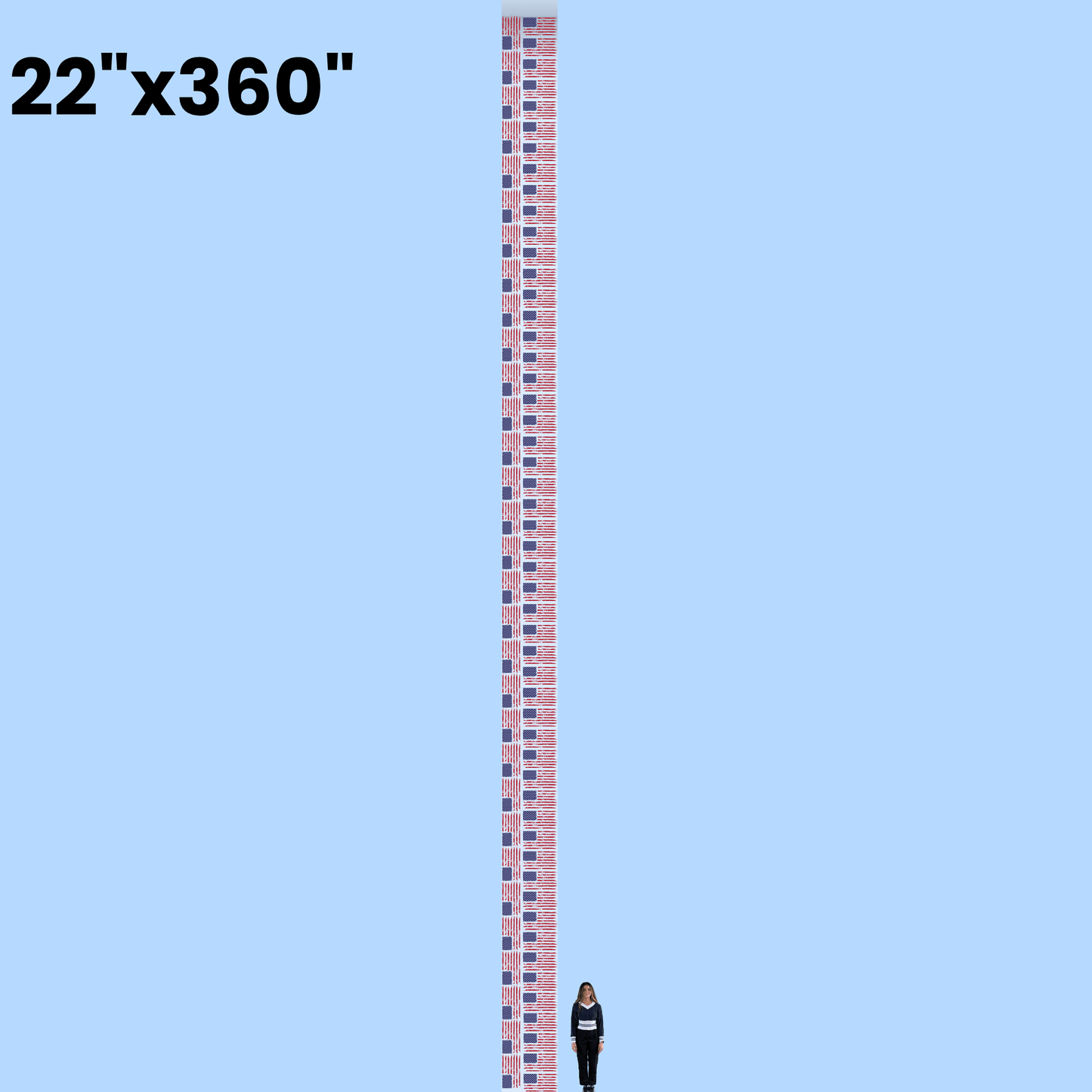


Free Online DTF Gang Sheet Builder for Print Shops, Screen Printers, Apparel Brands & DIY enthusiasts
Whether you're printing a handful of logos or a full product line, Lion DTF's gang sheet builder gives you professional, full-color transfers without the guesswork — trusted by entrepreneurs, screen printers, embroiderers, and apparel businesses nationwide.
Why Print Shops Choose Lion DTF
- 24-Hour Turnaround on most orders, so restocks and launches don't wait on you.
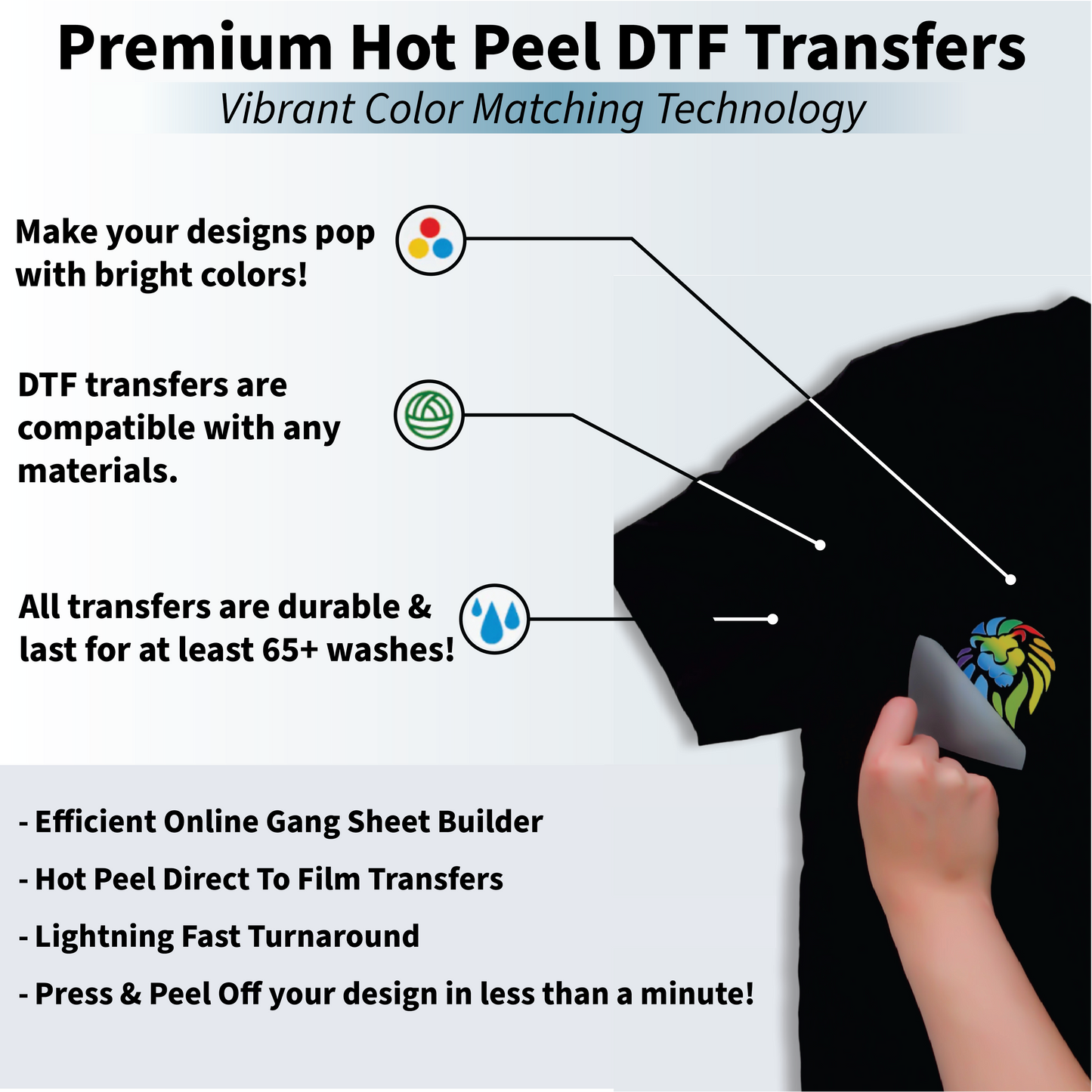
- Vibrant, Durable Prints — hot-peel technology built to hold up on cotton, polyester, and blends.
- Exact Color Matching — our production team (Kim, Rose, Eddy & Cesar) checks every file before it prints.
- No Sign-Up, No Hidden Fees — test layouts, price out jobs, and plan bulk runs as often as you like.
Built to Scale With You
From one-off merch drops to large retailer orders, every sheet leaves our facility ready to press and built to last — so you can focus on growing the business, not troubleshooting transfers.
Ready to build smarter? Start your free gang sheet and see why print shops keep coming back to Lion DTF.